
Main Page: Difference between revisions
Head Manager (talk | contribs) No edit summary |
Head Manager (talk | contribs) No edit summary |
||
| Line 12: | Line 12: | ||
}} | }} | ||
{{TechnologyCard | {{TechnologyCard | ||
Revision as of 13:54, 18 July 2026
Welcome to the FabLab wiki. Below you will find the fabrication technologies available in the lab. Select a technology to view its equipment, training requirements, safety information, and operating procedures.
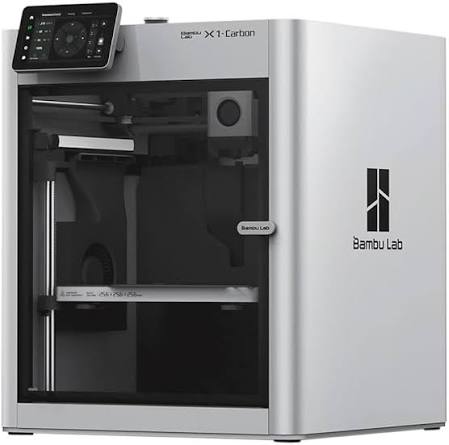
Explore our filament and resin 3D printers, available materials, slicing software, training requirements, and printing procedures.

Machine parts and prototypes from wood, plastic, foam, and other approved stock materials.

Rapidly prototype custom printed circuit boards using the FabLab's desktop PCB milling equipment.

Use soldering stations, oscilloscopes, power supplies, multimeters, and prototyping tools for electronics projects.